
Case study · iOS app · Apple Developer Academy
SkinSense
Skip the skincare guesswork.
Not many people know how to choose the right skincare. They buy what friends or beauty influencers recommend. SkinSense lets you scan a product and see right away whether its ingredients suit your skin, including any allergens.
- My role
- Front-End Developer & UI/UX Designer
- Timeline
- 3 months
- Platform
- iOS · App Store
- Team
- 6 people
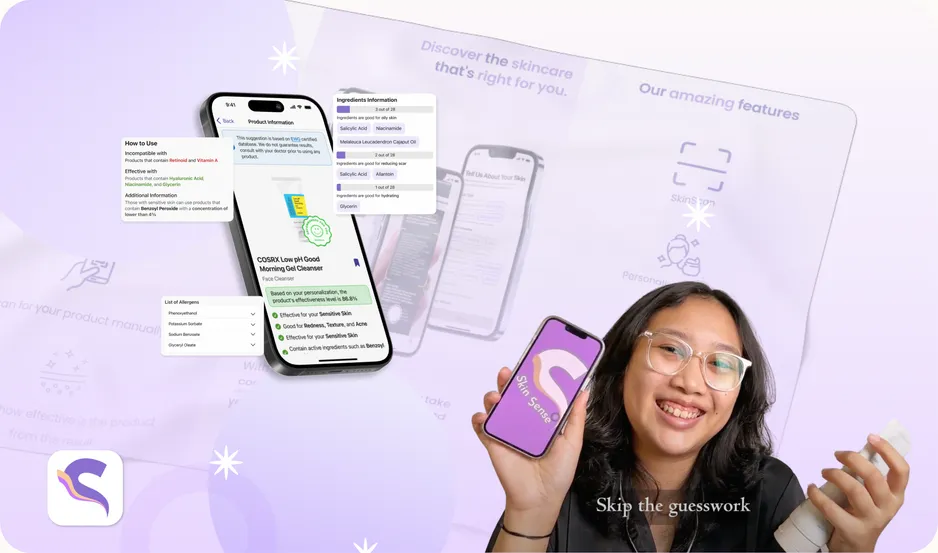
short video about why and how you use SkinSense
Directed & Edited by me
The challenge
Trying skincare shouldn’t mean risking your skin.
What
Users have to try a product before knowing if it works, and long ingredient lists hide hazardous ingredients.
Who
People with sensitive skin or specific dermatological needs, and daily skincare users.
When
Every time they buy a new product, and about a month later, when results (or reactions) show.
Why it matters
Hazardous ingredients can cause adverse reactions, allergies or long-term complications.
What research told us
95 survey responses · 10 skincare user interviews
77%
aren’t aware of any allergenic ingredients in their skincare.
82%
need to identify allergens, and think SkinSense would make it easier.
75%
want a guide to the risks and benefits of ingredients, and how to use them safely.
75%
want basic ingredient knowledge without tedious research before buying.
Refined challenge
Give skincare users clear information about compatible or hazardous products by analyzing their ingredients.
Process
You can only grow when you understand the flow.
-
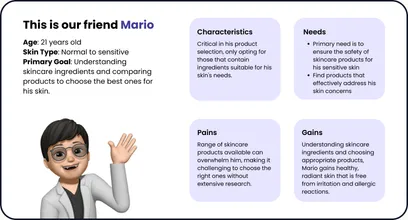
01 Research
1 monthDesk research, problem statement, survey & interviews, journey map, persona
-
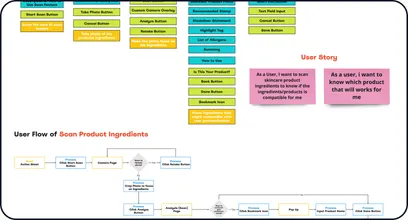
02 Analysis & Design
1 monthApp statement, product strategy canvas, IA, user flow, low-fi in Excalidraw
-
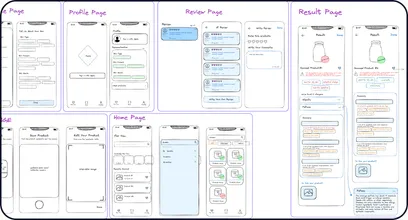
03 Development
1 monthStyle guide, components, high-fi, user review — in parallel with build
2× mentor feedback along the way.
The solution
Scan it. Know it. Pick the right one.
-
01 Scan
Point the camera at the ingredient list, or search the product manually.
-
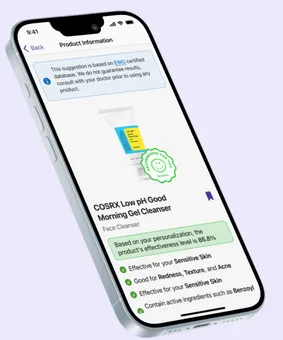
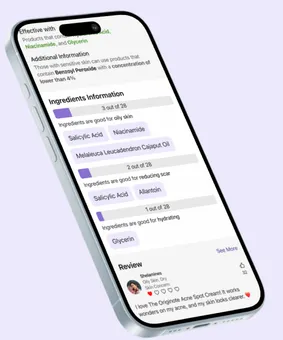
02 Understand
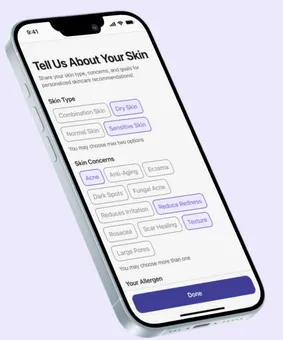
See effectiveness for your skin type, problems and goals, plus allergen warnings.
-
03 Personalize
Get product recommendations based on your saved skin profile.
Design language
Purple for the beauty category, balanced with soft lilac so it stays clean and calm. SF Pro and SF Symbols to stay consistent with Apple’s HIG.
Aa
SF Pro
Result
From TestFlight to the App Store.
SkinSense started as a TestFlight allergen detector. In 3 months we turned it into a full ingredient-analysis app, live on the App Store, and tested it with real users before launch.
Live
on the App Store
4
research-validated problems addressed
6
people, one shipped app
 Download on App Store ↗
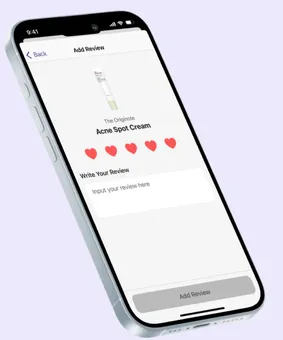
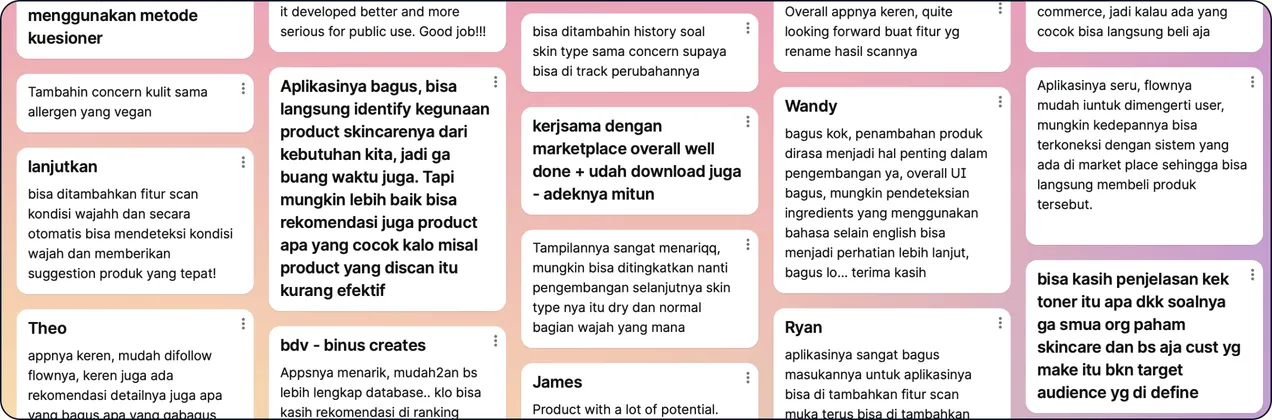
 User review
The team
Six people, one goal.
-

Grisvian
Project Manager
-

Rainer
Tech Lead
-

Shelamines (me)
Front-End & UI/UX
-

Jessica
Design Lead
-

Daniella
UI/UX Designer
-

Audrina
UI/UX Designer
Data is the product
The app is only as good as its ingredient database, so data coverage was a design problem too.
Design for the camera
Labels are curved, tiny and multilingual. Manual search had to be a first-class fallback, not an afterthought.
Designing while coding
Being both designer and front-end developer meant I could test ideas in the build, not just in Figma.